Find a place where a new visitor may feel unsure.
Grade 3 · Laser & Vinyl · Lesson 04
AI-Assisted Sign System
Evaluate machine-generated ideas and engineer accessible wayfinding for a shared space.
Time3 × 60 minutes + adult productionTeamsTeams of 3–4EquipmentVinyl cutter
Project inspiration · 3 images
See, build, and test
Use these images to understand the kind of making, details, and testing involved. They are inspiration—not designs students must copy.
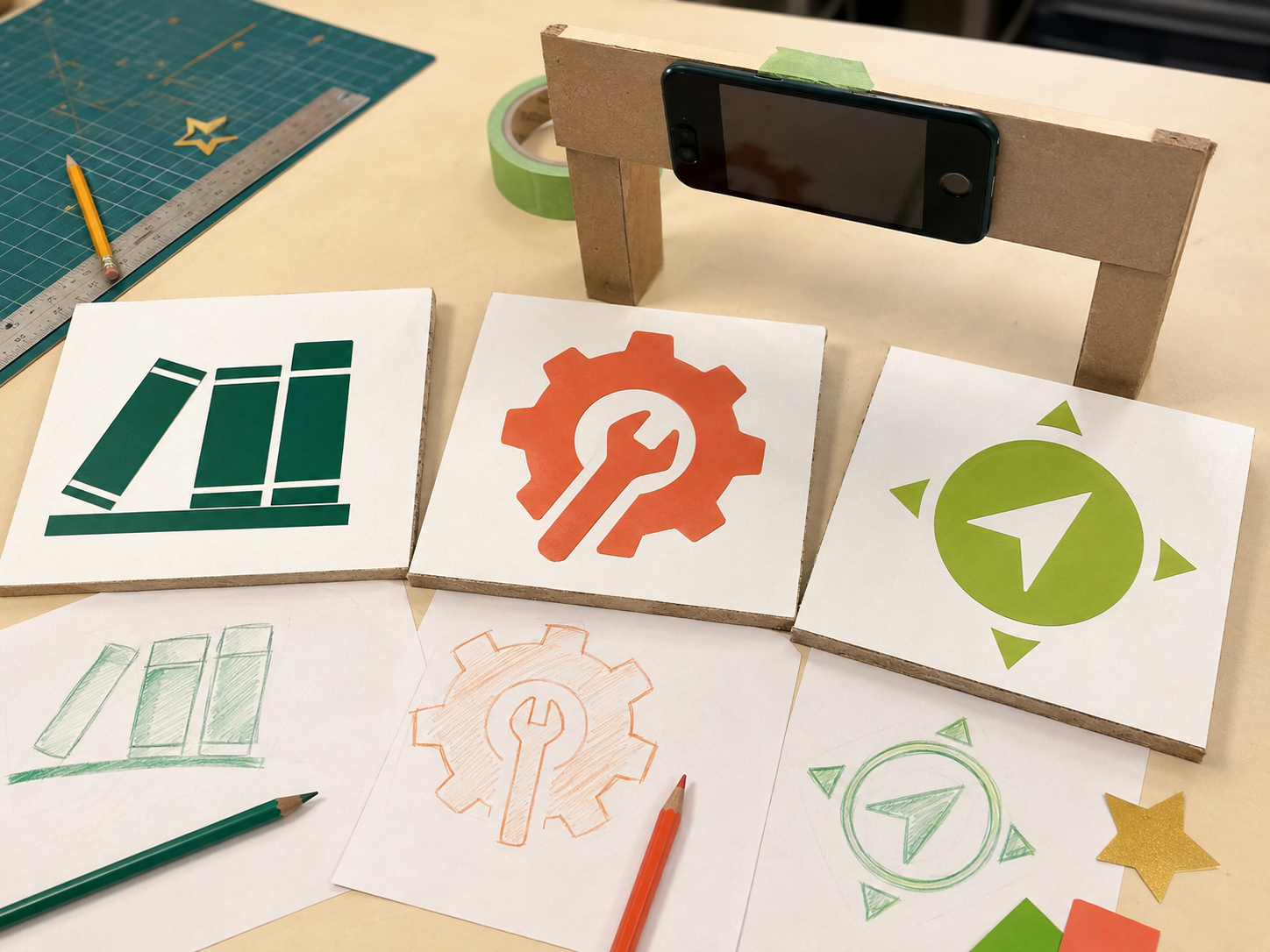
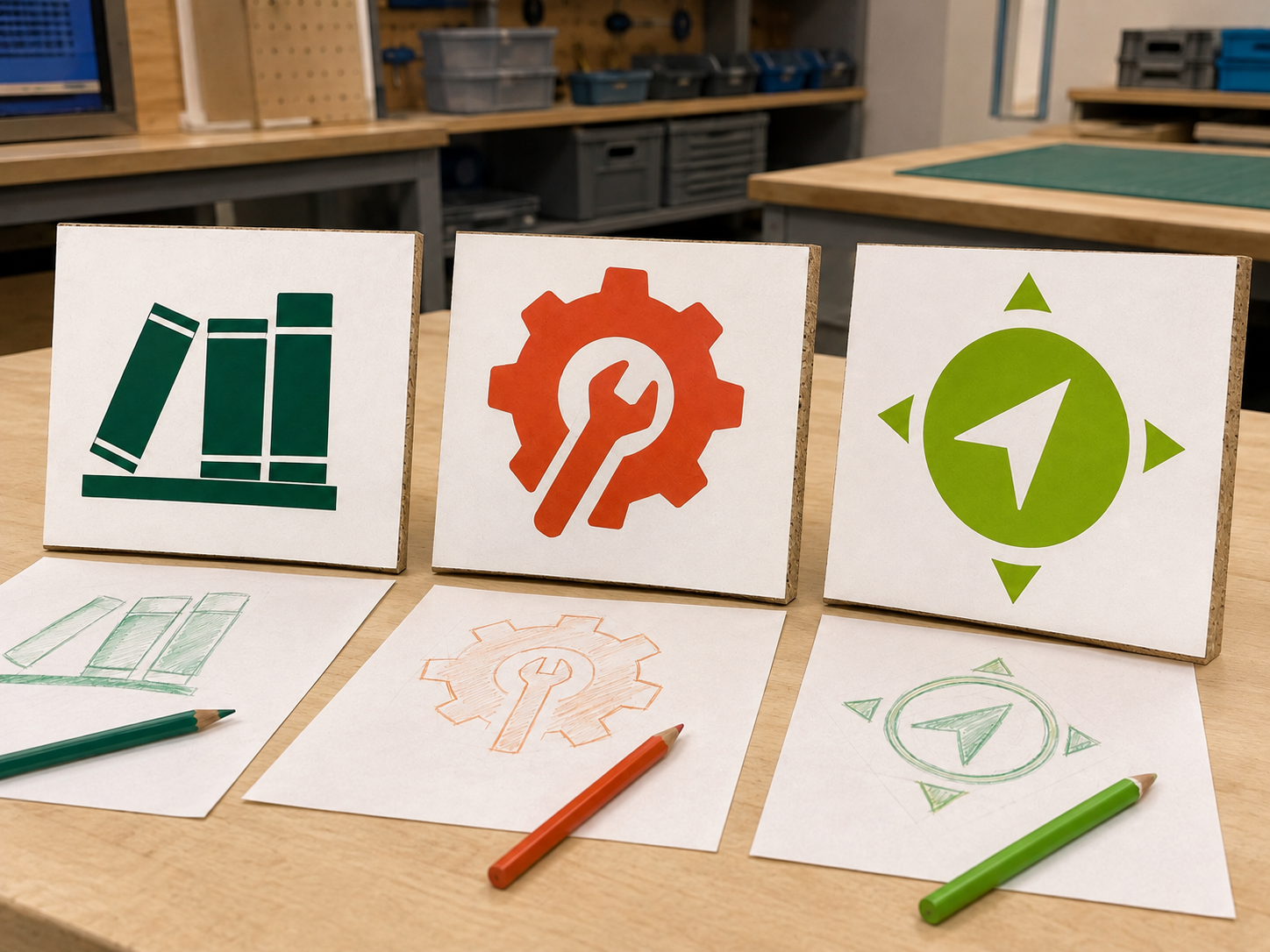
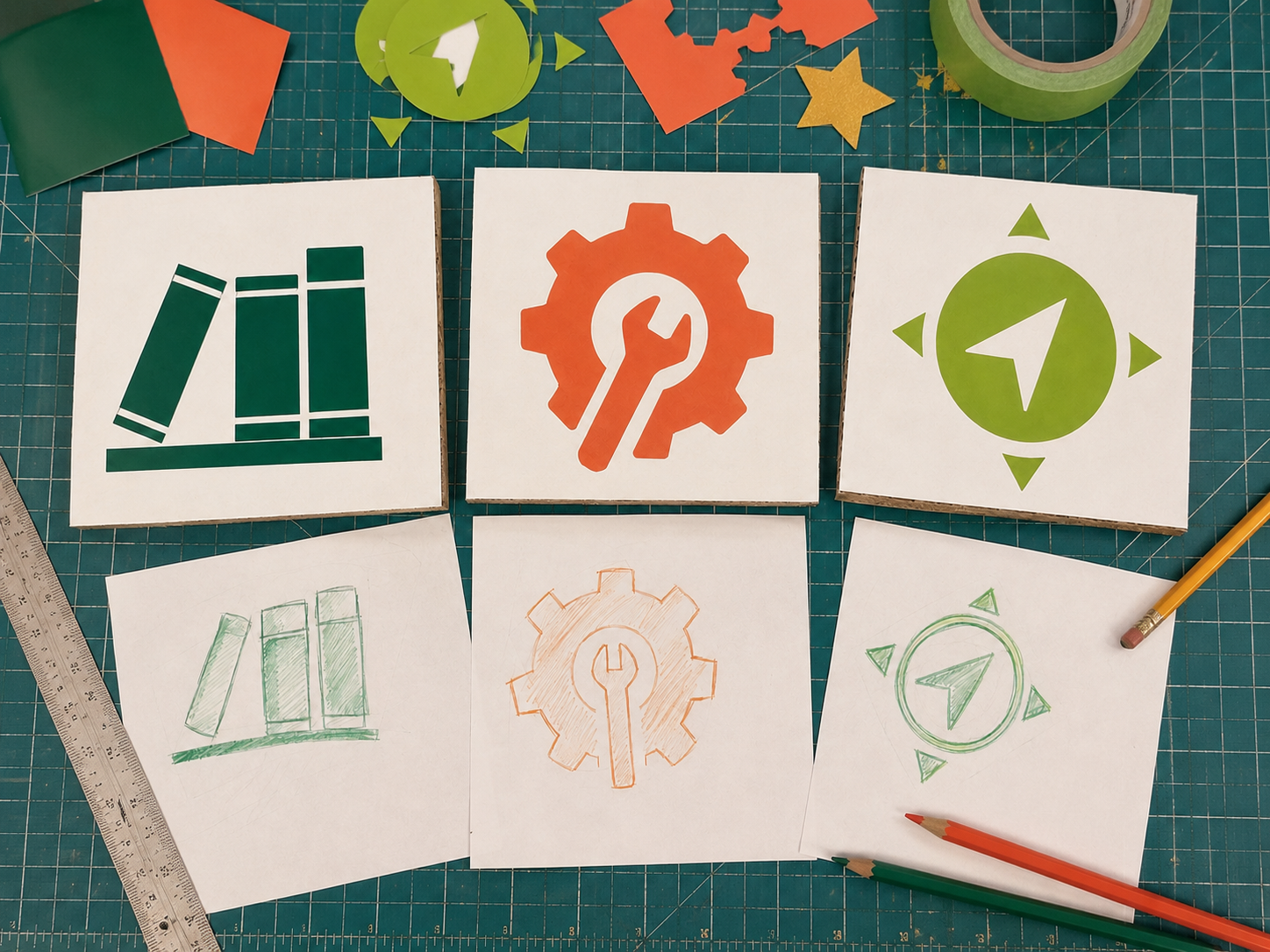
Student quick guide
What are we doing?
Check the AI ideas, then draw your own sign ideas.
Ask viewers what each sign means, choose the clearest one, and improve it.
For teachers
Engineering standards
This shows how the lesson connects to the national NGSS engineering standards and what student work you can collect.
Assessed
3-5-ETS1-1
Teams define a wayfinding problem for specific users and establish readability, accessibility, size, and material limits.
What students show: User-centered design brief and site observations.Assessed
3-5-ETS1-2
Teams compare AI-suggested and student-generated sign concepts against a rubric.
What students show: Blind comparison data and documented design selection.Practiced
3-5-ETS1-3
Teams run a consistent distance-and-comprehension test, locate failures, and revise one variable.
What students show: Test table, failure analysis, and revised sign file.Materials
- Clipboards and observation sheets
- Index cards and dark markers
- Rulers or tape measures
- Shared devices with vector-design software
- Teacher-prepared AI idea sheet with no student data
- Lab-approved adhesive or removable vinyl
- Transfer tape, weeding tools, and application cards for supervised use
Teacher preparation
- Select a non-emergency school navigation need and obtain approval before placing any sign.
- Use an educator-operated AI tool to generate several generic suggestions without entering student names, faces, voices, or school-sensitive information.
- Include at least one plausible but weak or inaccessible AI suggestion for critique.
- Prepare a readability test distance and identical presentation conditions.
- Set file rule: G3_Team##_Sign_v1 and confirm surface-compatible vinyl.
Step by step
How to teach it
Day 1 · 0–20
Audit the need
- Walk the approved area and record where a newcomer might hesitate.
- Identify users, including people with different language, vision, reading, or mobility needs.
- Define criteria such as recognizable icon, readable contrast, limited words, and correct placement.
Day 1 · 20–60
Interrogate AI ideas
- Review teacher-generated AI suggestions without treating them as correct.
- Flag vague, biased, unsafe, impractical, or inaccessible ideas.
- Each student sketches an original concept; teams keep at least three options.
Day 2 · 0–30
Compare fairly
- Remove creator names and mix AI-suggested and student-generated concepts.
- Test each with the same viewers, viewing time, and distance.
- Record what viewers think each sign means and score clarity, contrast, and simplicity.
Day 2 · 30–60
Revise and vectorize
- Choose or combine features using the evidence.
- Create original vector shapes and limited text.
- Change one weak variable: icon shape, spacing, scale, contrast, or wording.
- Repeat the same comprehension test.
Day 3
Fabricate and reflect
- Teacher checks size, mirroring if required, cut paths, material, and approved placement.
- Adult or supervised operator cuts; use adult supervision for blades and heat-transfer tools.
- Students weed and transfer only when permitted and supervised.
- Teams label which parts were student-created, AI-suggested, revised, or rejected and explain why.
Assessment
- Design brief identifies real users, criteria, and constraints.
- AI critique identifies at least one limitation and verifies ideas with evidence.
- Comparison uses consistent conditions and records viewer responses.
- Final icon is original, readable, and tied to test results.
- Reflection accurately describes AI's limited role and student decisions.
Supports & extensions
- Provide high-contrast examples and a symbol vocabulary sheet.
- Allow oral interviewing and audio-recorded observations under school rules.
- Use large-print testing cards and tactile or spoken alternatives.
- Provide starter vector shapes without complete sign solutions.
- Extension: design a multilingual or tactile companion system and justify placement using user evidence.
Safety & responsible use
- Never enter student personal information, faces, voices, addresses, credentials, or school-sensitive details into an AI system.
- AI use is educator-operated unless the school has approved an age-appropriate student platform.
- Use adult supervision for cutter setup, blades, weeding tools, and heat application.
- Do not place signs where they imitate required safety, emergency, accessibility, or regulatory signage.
No-machine alternative
Use paper, cardstock, markers, collage, or printable labels. Conduct the same blind comparison, distance test, revision, and AI-literacy reflection.
Printable student design brief
The challenge
Create a clear, accessible sign that helps a new person navigate an approved shared space.
Success criteria
- Meaning is understood quickly
- Strong contrast and simple shapes
- Works for the identified users
- Placement is helpful and approved
Constraints
- Uses original student-designed graphics
- Contains no private information
- Fits the assigned size and material
- Does not imitate official safety signage
Engineer’s notes
The user who needs help is…
The AI suggestion may fail because…
Our viewer data showed…
We changed one variable by…
The final decision was made by students because…